Managing How KPIs are Displayed
This guide runs through the display options you have when viewing KPIs.
Those who have permission to create and manage KPIs will be able to view these within the KPI module itself. However, you can also display an overview of KPIs to users via the main SUMS dashboard, ensuring staff members can retain an oversight of the progress of core KPIs.
KPI Widget - SUMS Dashboard
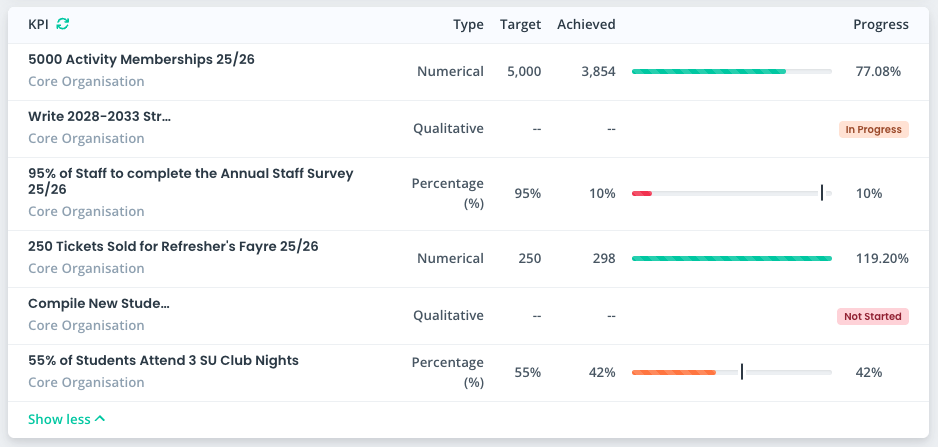
A widget is available to display a default set of KPIs to users within the main SUMS dashboard. This doesn't provide any options to the user to modify any KPIs, simply to view the ones you make available.
To view this widget, users will require the [KPI] Dashboard permission. This will display the widget on their main dashboard, and also give them access to the KPI module to view the main KPI dashboard.
Main KPI Dashboard
The main KPI dashboard is held within the KPI module and can be viewed by any user who holds the [KPI] Dashboard permission. From here, users can view a default set of KPIs, and also switch between departments to view other teams' targets.
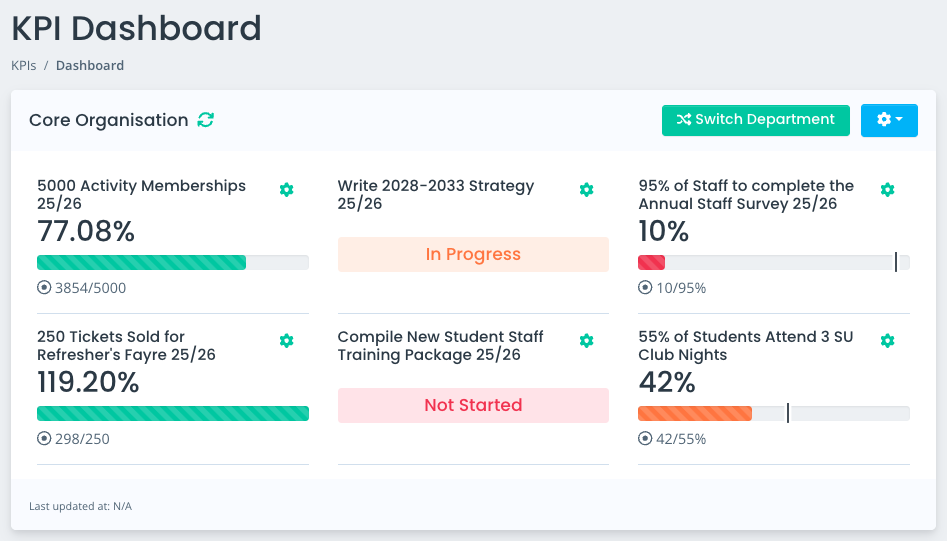
Additional permissions are then available to assign to users who need to be able to create and manage KPIs. Further guidance on this can be found here: LINK
Displaying Default KPIs
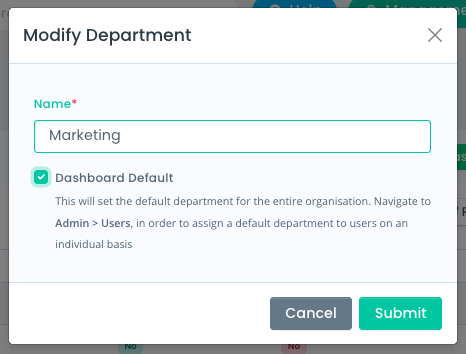
Before creating your KPIs you will first need to setup departments to assign your targets to, and you can set 1 department as the Dashboard Default - any KPIs assigned to that department will then appear within the KPI Widget on the SUMS dashboard, and the main KPI dashboard.
Alternatively, you can assign specific departments on a per-user basis to ensure they can see the KPIs relevant to their team from the off.
Users can switch between departments to view other KPIs within the main KPI dashboard, but the targets they will first be able to see will be those held within either the Dashboard Default, or the department you have assigned to their user account.
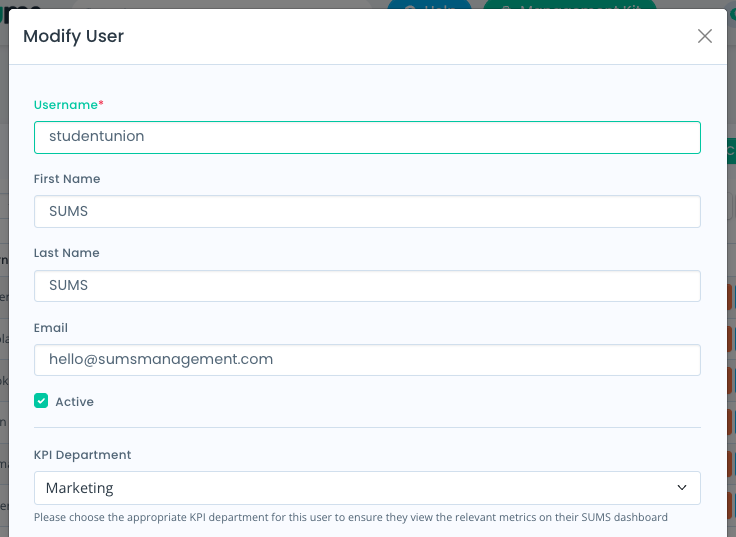
Assigning Departments to Users
When creating or modifying a SUMS user, you can select a KPI department to apply to the user. Your System Administrator typically manages your SUMS Users, so they can ensure the correct KPI departments are applied to staff members.
The KPIs within that department will then be displayed to users within the KPI widget and main KPI dashboard.
Updated on 3rd February 2026